You can get free Lucky Locators in Fortnite through The Final Spritemare’s daily login rewards. Log in while a reward is available, then check your Gizmo inventory to confirm that it has been added. These tools help you find Sprites missing from your collection, making them useful for filling collection gaps. This guide explains how to get Lucky Locators in Fortnite, where to find them after claiming a reward, and how to use them without wasting a charge.
Quick Answer
- Collect free Lucky Locators through The Final Spritemare’s daily login rewards.
- Check your Gizmo inventory after logging in.
- Claim each reward before its on-screen timer expires.
- Use a Lucky Locator to find a Sprite missing from your collection.
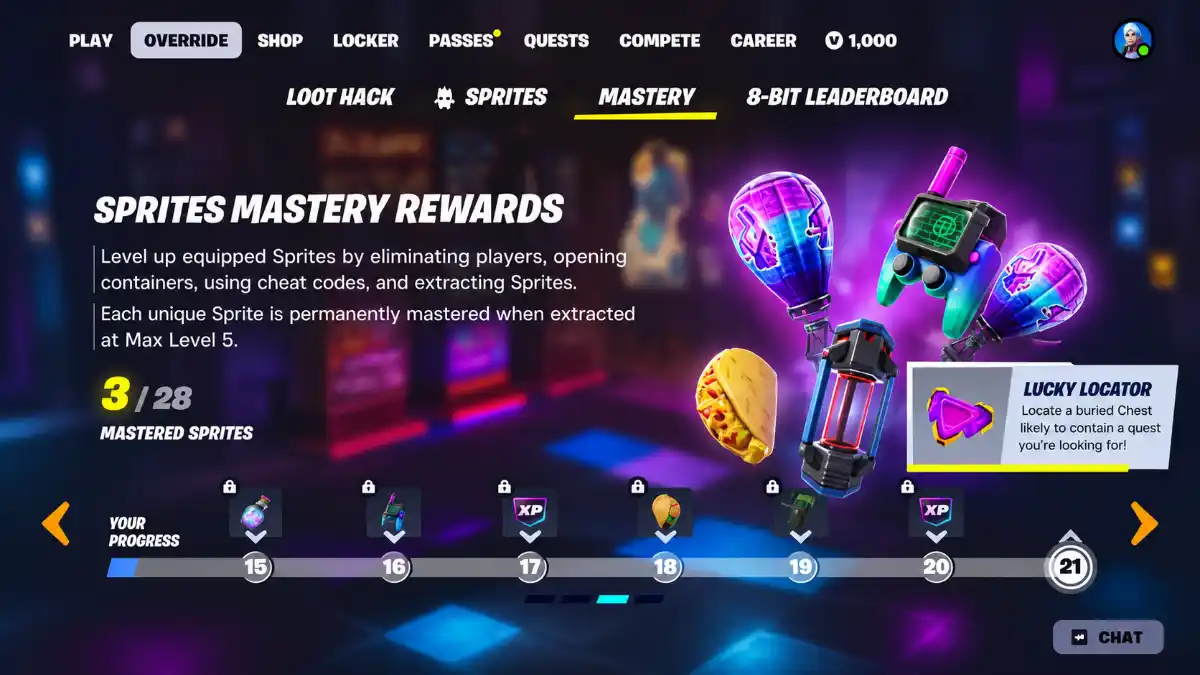
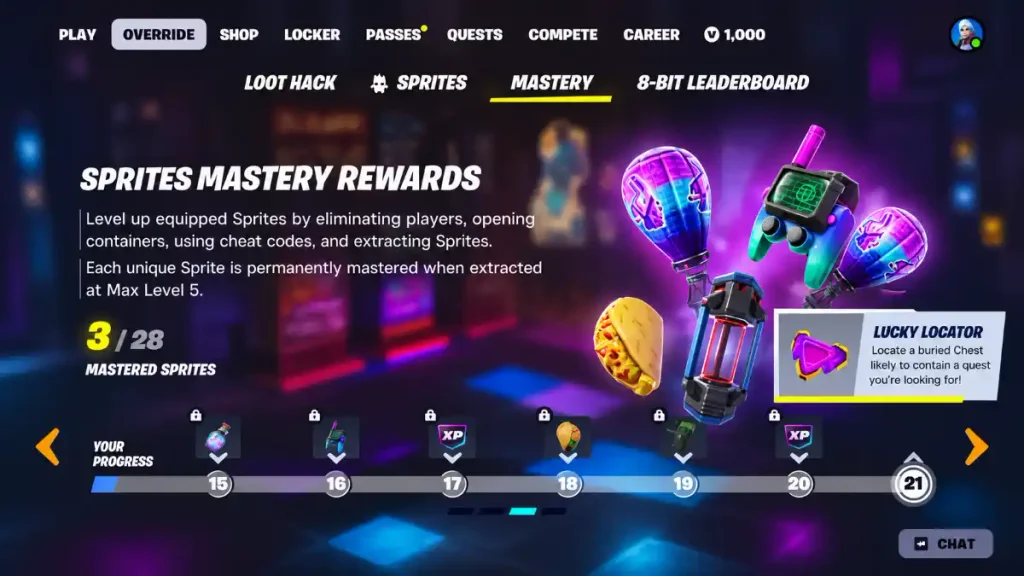
The event’s login rewards are separate from Sprite Mastery rewards. You do not need to complete a Mastery milestone to collect the Lucky Locator offered through the event’s daily login reward.
How to Claim Free Lucky Locators
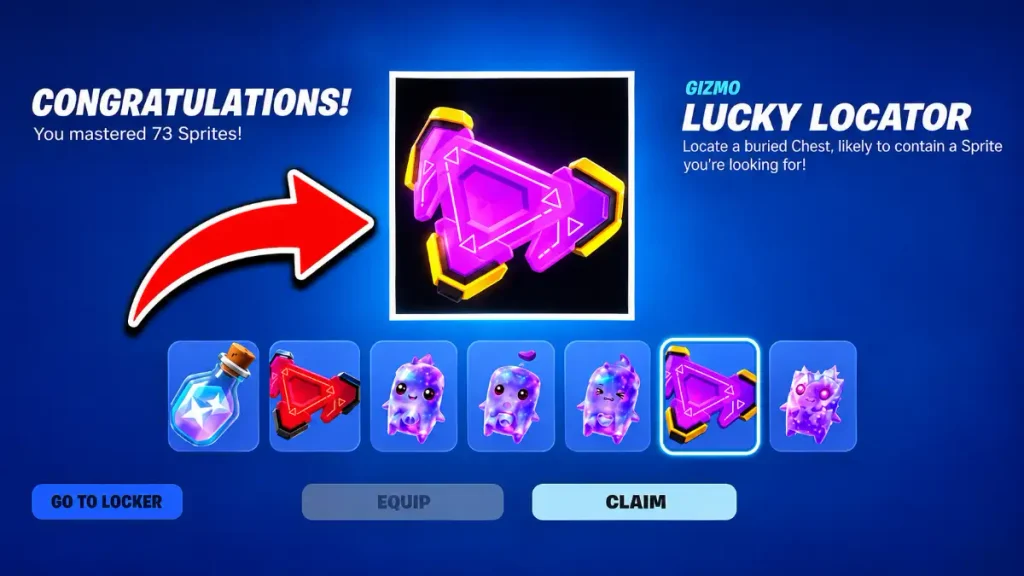
Log in to Fortnite while the current Final Spritemare reward is available. After entering the lobby, check for a reward notification and look in your Gizmo inventory.
Follow these steps:
- Launch Fortnite and enter the lobby.
- Check the available daily login reward.
- Open your Gizmo inventory.
- Confirm that your Lucky Locator has been added.
- Return for the next daily reward opportunity.
The event reward does not require an Item Shop purchase. Do not confuse the free login reward with a paid bundle or cosmetic offer.
Each reward has its own claim window. Logging in once does not automatically grant every Lucky Locator available throughout the event.
Check the Reward Timer
Use the countdown displayed in the game to see how long the current reward remains available.
Claiming each reward before that timer ends is safer than waiting until the event is nearly over. Missed rewards are not confirmed to remain available for later collection.
Where to Find Your Lucky Locators
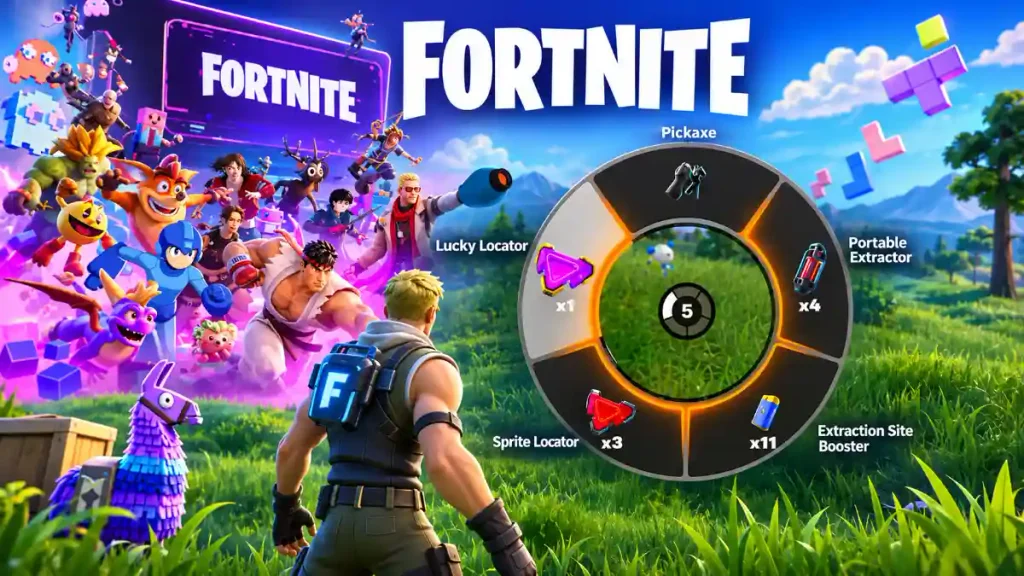
Lucky Locators appear in your Gizmo inventory rather than your normal weapon slots.
If you received a reward notification but cannot see the item alongside your weapons, check your Gizmos before assuming it is missing. Your available quantity should appear with the item.
The first event reward experienced a delivery delay. If you logged in before it became available, check your inventory again while that reward’s claim window is still open.
A delivery delay does not mean the reward will remain available indefinitely. The on-screen timer is still important.
How to Use a Lucky Locator in Fortnite
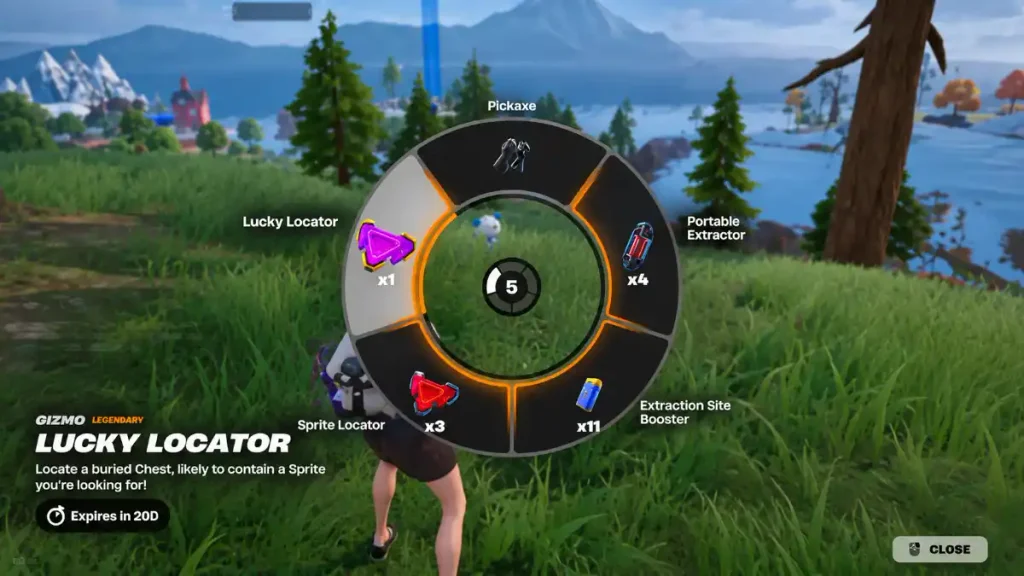
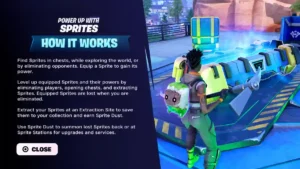
A Lucky Locator marks a buried Sprite Chest containing a Sprite missing from your collection. It helps you fill an empty collection entry, but it does not let you choose a specific Sprite.
To use one:
- Enter a match and collect weapons and shields.
- Move to a safe position.
- Open your Gizmo Wheel.
- Select and activate the Lucky Locator.
- Follow the marked Sprite Chest location.
- Uncover the chest with your pickaxe.
- Collect the Sprite and extract it safely.
Follow the control prompts shown on your screen. Your inputs depend on your platform and control settings.

Prepare Before Activating It
An unused Lucky Locator stays with your account if you are eliminated. Once you activate it, however, that use is spent.
Being eliminated before collecting the Sprite does not restore the charge. The same applies if you fail to secure the Sprite after opening the chest.
Get ready before activating a Locator. Having weapons, shields, and a clear route gives you a better chance of reaching the chest and keeping the reward.
Related:How to Complete Fortnite Safety in Numbers Challenges
Should You Save Your Lucky Locators?
Saving Lucky Locators until you have collected more Sprites through normal play can help you use them more efficiently.
The idea is simple: collect the easier missing Sprites yourself first. Your Locators can then help fill the gaps that remain.
For example, finding a missing Sprite during normal exploration removes that entry from the collection gaps you still need to fill. You can save your limited Locator uses for later instead of spending one immediately.
However, saving Locators does not guarantee that you will complete your collection. Your result depends on how many entries remain and whether you successfully collect and extract each Sprite.
There is also no requirement to save them. Use them when you have enough time to follow the marker and secure the reward.