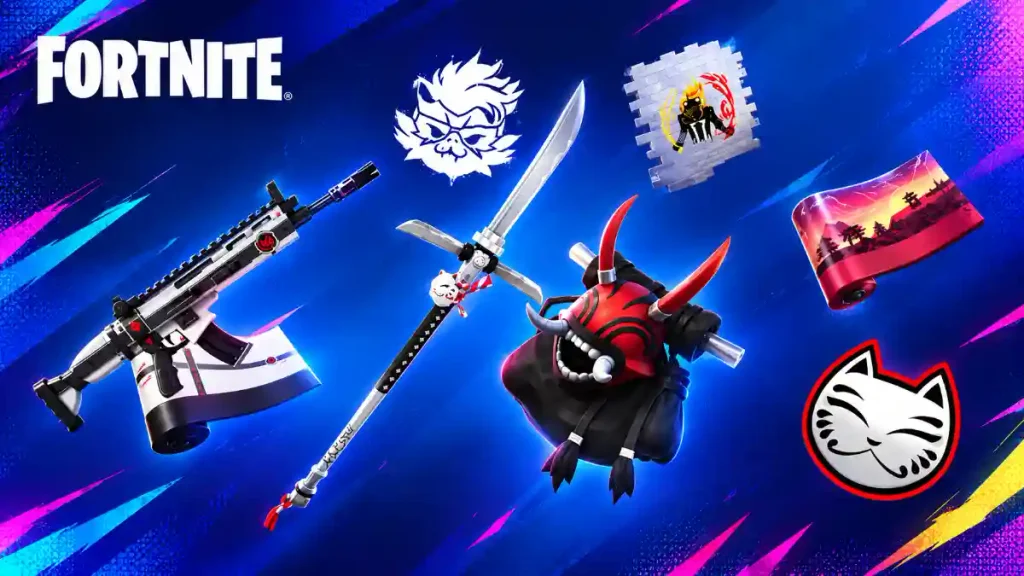
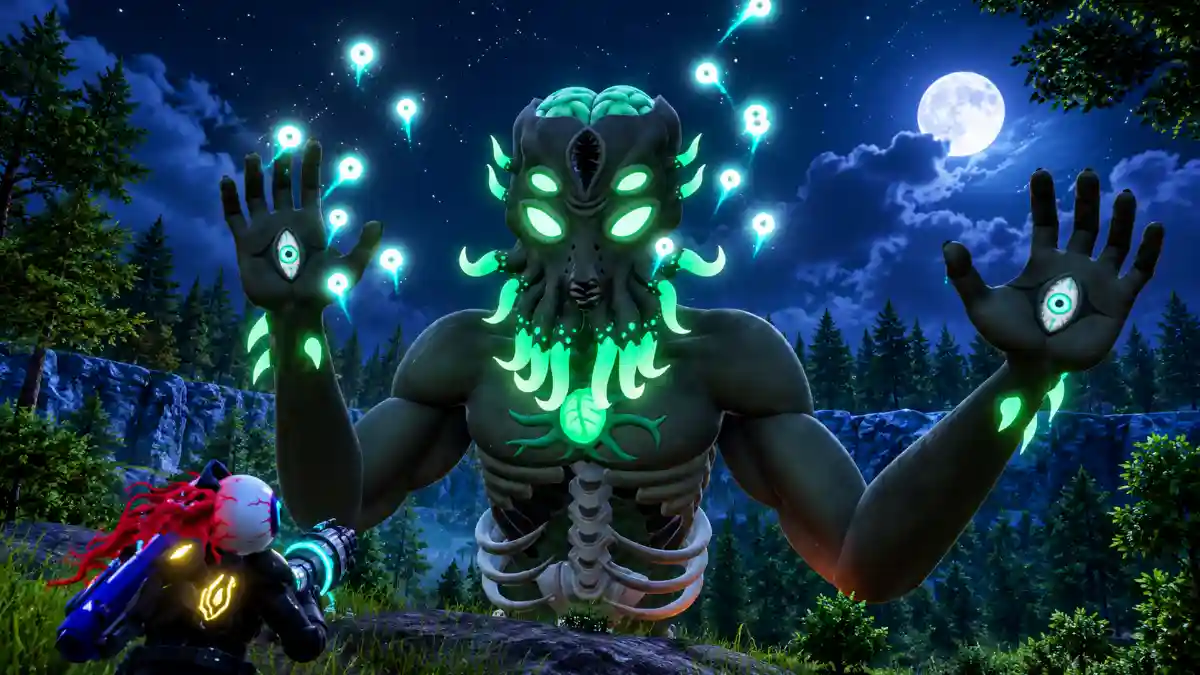
There are several free Fortnite rewards you may be able to claim right now, including skins, back blings, emotes, and other cosmetics. Some are unlocked by linking your Epic Games account, while others are earned through quests, tournaments, events, and limited-time Fortnite promotions.
This updated list covers every free Fortnite cosmetic currently worth claiming in September 2026. We have included the reward name, how to unlock it, and the deadline where one is available, so you can check the easiest rewards first before they disappear.
Quick answer: The easiest free Fortnite rewards currently available include the Carbonite Fishstick Back Bling from linking an eligible MyDisney and Epic Games account, plus the Explorer Emilie and Mr Dappermint outfits from connecting LEGO and Epic Games accounts. You can also unlock the Boogie Down Emote by enabling two-factor authentication on your Epic Games account.
Here are the free Fortnite items you can currently unlock through official Epic Games account connections and security features.
Free Fortnite Reward
How to Get It
Deadline
Carbonite Fishstick Back Bling
Link an eligible Epic Games account to a MyDisney account
October 31, 2026
Explorer Emilie Outfit
Connect your Epic Games account with a LEGO account
No announced end date
Mr Dappermint Outfit
Connect your Epic Games account with a LEGO account
No announced end date
Boogie Down Emote
Turn on two-factor authentication on your Epic Games account
Available for eligible accounts
Free rewards can change quickly when Fortnite adds a new update, event, collaboration, or season. Check this page again for new Fortnite skins, back blings, emotes, and limited-time cosmetic rewards.
How to Get the Carbonite Fishstick Back Bling
The Carbonite Fishstick Back Bling is a free Fortnite cosmetic available through the Epic Games and MyDisney account-linking promotion.
You need an eligible Epic Games account and a MyDisney account. You do not need to buy V-Bucks, own the Battle Pass, or complete difficult in-game challenges.
Steps to unlock Carbonite Fishstick Back Bling
Sign in to the Epic Games account you use to play Fortnite.
The Carbonite Fishstick Back Bling should appear in your Locker after the account connection is completed. The offer is available until October 31, 2026, so do not wait too long to claim it.
If the item does not show up immediately, restart Fortnite and make sure you linked the correct Epic Games account.
This is one of the best free Fortnite skin rewards because it gives you a complete Outfit for your Locker. Explorer Emilie also includes a LEGO Style, which you can use while playing LEGO Fortnite experiences.
Steps to unlock Explorer Emilie
Go to the Epic Games website.
Sign in to the Epic Games account connected to Fortnite.
Open your Account settings.
Find Apps and Accounts or Linked Accounts.
Look for the LEGO Account option.
Select Connect.
Sign in to your LEGO account, or create one if needed.
Confirm the account connection.
Open Fortnite and check your Locker.
You should receive Explorer Emilie after completing the account-linking process. If you already connected your LEGO account in the past, check your Locker first because the Outfit may already be there.
Mr Dappermint is another free Fortnite Outfit earned by connecting your LEGO account with your Epic Games account.
The reward includes the normal Fortnite Outfit and a LEGO Style. This makes it useful for players who enjoy both Battle Royale and LEGO Fortnite.
You do not need to complete a special match, purchase a cosmetic bundle, or earn a certain number of points. The main requirement is linking the right accounts.
Steps to unlock Mr Dappermint
Sign in to your Epic Games account.
Open the linked accounts page.
Choose the LEGO Account option.
Connect your existing LEGO account.
Confirm the account connection.
Open Fortnite after the process is complete.
Go to the Locker tab.
Search for Mr Dappermint.
Explorer Emilie and Mr Dappermint are normally unlocked together after your accounts are successfully linked. If you only see one Outfit or cannot find either reward, restart Fortnite and double-check that you connected the Epic Games account you actually use for Fortnite.
Two-factor authentication protects your Fortnite account by requiring an additional verification code when you sign in. You can usually use an authentication app, email verification, or text-message verification.
Turning on 2FA is highly recommended even if you do not care about the free emote. It helps protect your Fortnite skins, account progress, V-Bucks, and connected platform accounts.
How to turn on Fortnite 2FA
Sign in to the Epic Games account you use for Fortnite.
Open Account Settings.
Go to Password and Security.
Scroll to the Two-Factor Authentication section.
Select your preferred 2FA method.
Follow the setup instructions.
Confirm that two-factor authentication is active.
Restart Fortnite and check your Locker.
The Boogie Down Emote may not appear instantly. If you cannot find it after enabling 2FA, close Fortnite fully and open the game again.
Make sure you enabled 2FA on the correct Epic Games account. This is especially important for players who use different accounts on PlayStation, Xbox, Nintendo Switch, PC, mobile, or cloud gaming.
The active rewards listed above are not the only way to earn free Fortnite cosmetics. Epic Games frequently adds new rewards during special events, collaborations, tournaments, and season updates.
The best way to find new free Fortnite skins is to check the game regularly and watch for official announcements.
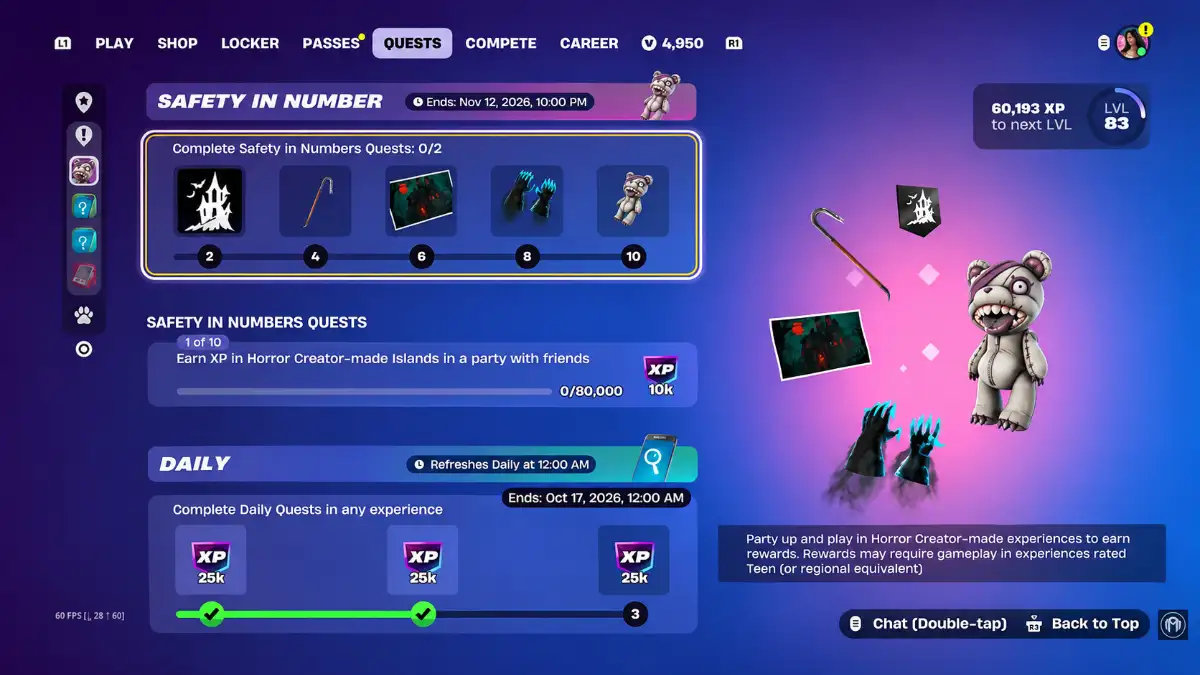
Complete Fortnite quests
Fortnite quests can sometimes reward players with more than XP. During events and collaborations, you may receive free cosmetic items such as sprays, loading screens, emoticons, back blings, music tracks, banners, and pickaxes.
Check the Quests tab in Fortnite for:
Weekly quests
Story quests
Event quests
Collaboration quests
Ranked quests
LEGO Fortnite quests
Fortnite Festival quests
Rocket Racing quests
Limited-time challenges
Always read the reward shown beside a quest before completing it. Some quests only give XP, while special event quests can provide cosmetics for your Locker.
Join Fortnite tournaments
Fortnite tournaments and cups can sometimes offer free rewards to players who earn enough points.
You do not always need to win the full tournament to get an item. Some events reward players who reach a certain point total with sprays, emoticons, loading screens, banners, or other cosmetics.
Open the Compete tab in Fortnite to see active and upcoming tournaments.
Before joining, check:
Your tournament region
The event start time
The account-level requirement
Whether two-factor authentication is required
The point target for rewards
The free Fortnite cosmetics available
Tournament rewards are often limited, so make sure you join before the event ends.
Fortnite sometimes runs Twitch Drop campaigns during official broadcasts, competitive events, update showcases, and special creator streams.
When Twitch Drops are active, players may receive free Fortnite cosmetics by watching eligible streams for a required amount of time.
Usually, you need to link your Twitch account to your Epic Games account before watching. After meeting the watch-time requirement, claim the Twitch Drop and check your Fortnite Locker.
Twitch Drops are not always available, so only expect them during announced campaigns.
Check special Fortnite events
Fortnite events are one of the best places to find limited-time free rewards. Seasonal events, holiday updates, live events, and major collaborations can include quests with free cosmetic prizes.
For example, a new collaboration may include a short questline that gives players a spray, banner, loading screen, or other free reward. These items may not return after the event ends.
Check Fortnite’s in-game news tab whenever a new update launches. That is often the fastest way to find out about a new event or reward.
Play new Fortnite experiences
Fortnite now has several major experiences beyond Battle Royale. New quests and rewards can appear in LEGO Fortnite, Fortnite Festival, Rocket Racing, Reload, Creative experiences, and other Fortnite modes.
When Epic Games launches a new experience or major update, complete the early quests and look through the event details. Some rewards are available simply for playing, reaching a level, earning XP, or completing a beginner challenge.
How to Avoid Fake Free Fortnite Reward Offers
Free Fortnite skins and rewards do exist, but scammers often use popular cosmetics to trick players.
Be careful if a website, YouTube video, Discord message, TikTok comment, or social-media post claims it can instantly give you rare skins, unlimited items, or rewards without an official Fortnite event.
Never do the following:
Share your Epic Games password.
Share a two-factor authentication code.
Download a “skin unlocker” or cheat tool.
Install an unknown mobile app or browser extension.
Complete surveys that promise cosmetics.
Sign in through an unofficial Fortnite website.
Send money or a gift card to claim a “free” item.
Trust direct messages claiming you won a skin giveaway.
Only trust rewards that come from Fortnite itself, Epic Games, official Fortnite social channels, verified partners, or recognized gaming platforms.
Final Words
Free Fortnite rewards are a great way to grow your Locker without spending money. The easiest rewards to claim right now are the Carbonite Fishstick Back Bling, Explorer Emilie Outfit, Mr Dappermint Outfit, and Boogie Down Emote.
Link your eligible accounts, protect your Epic Games account with two-factor authentication, complete event quests, and check for new rewards during Fortnite updates. Limited-time Fortnite cosmetics can disappear quickly, so claim them as soon as you see them.
Hi there! I'm Sohel, a multi-faceted gamer, blogger, and website wizard. My passion lies in the vibrant worlds of gaming and anime, and I specialize in crafting engaging content and managing websites that cater to these communities.
When I'm not immersed in virtual adventures or crafting compelling words, you can find me sketching intricate designs or indulging in the captivating realms of movies, web series, and poetry.
I'm always eager to connect with fellow enthusiasts, share my knowledge, and collaborate on exciting projects. Feel free to reach out and let's create something amazing together!