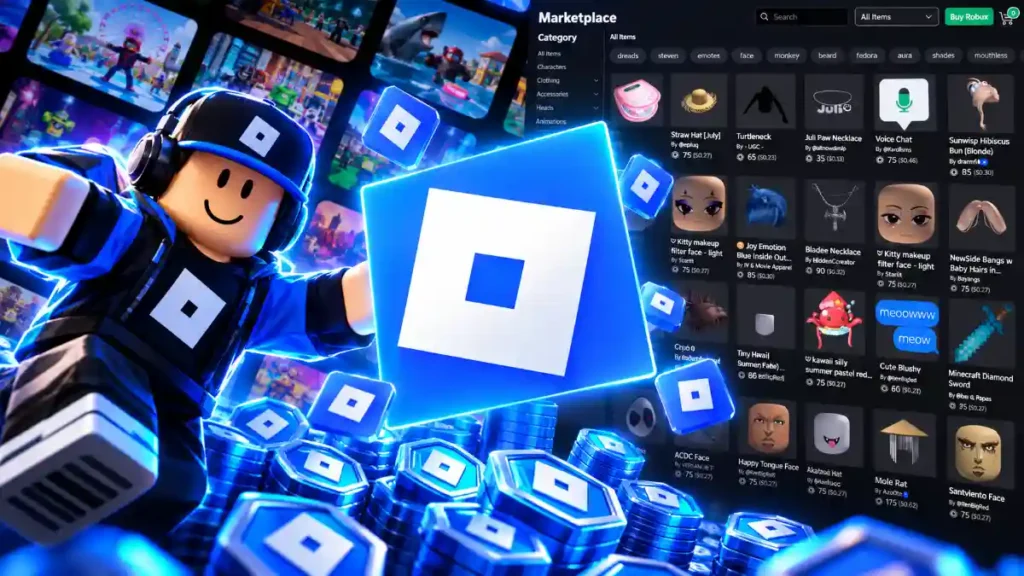
You can turn an avatar design into a Roblox item that other players can buy, but uploading it is only part of the process. Roblox checks each item before it goes on sale, and creators must meet account requirements and pay the applicable fees. If you are starting from scratch, classic clothing is a simpler first project than a 3D accessory. This guide shows you how to make your first Roblox UGC item, publish it on the Marketplace, and work out how much Robux a sale could earn.
Key takeaways
- Classic clothing is a good starting point if you have never made an avatar item.
- A standard avatar-item upload costs 80 Robux. Publishing an approved item for sale requires a separate advance.
- Your account must meet Roblox’s verification, security, and subscription requirements.
- Your share of a sale depends on where the buyer purchases the item and, for Marketplace sales, its price.
What are Roblox UGC items?
UGC stands for user-generated content. Roblox UGC items are avatar items made by creators for other players to wear. They include classic shirts and pants, 3D clothing, hats, hair, and other accessories.
You do not need to begin with a complicated model. A classic T-shirt uses an image displayed on an avatar’s front torso. Classic shirts and pants use templates that wrap artwork around the character. A 3D accessory needs a model that fits an avatar and meets Roblox’s requirements for its item type.
| Item type | Examples | Main tools |
|---|---|---|
| Classic clothing | T-shirts, shirts, pants | Image editor; Roblox Studio for testing |
| 3D accessories | Hats, hair accessories | 3D modeling tool; Roblox Studio |
What do you need to sell Roblox UGC?
As of September 2026, uploading a Marketplace avatar item requires government ID verification or a qualifying linked parental account. To publish an item for sale, you also need two-step verification and an active eligible Roblox Plus or Premium subscription. Roblox’s Marketplace policy specifies Premium 1000 or 2200, so check your plan before paying to upload anything.
You must keep an eligible subscription to maintain items on sale. If you want to publish through a group, check that the group owner meets Roblox’s requirements too.
Your item must pass validation and moderation. Use artwork and models you have the right to sell, select the correct category, and test the finished item before submitting it. Meeting the account requirements does not guarantee that Roblox will approve every design.
How much does it cost to make and sell UGC?
Designing and testing an item does not require you to pay an upload fee. Roblox charges when you submit the item, then requires a separate payment when you publish an approved item for sale.
A standard 2D or 3D avatar-item upload costs 80 Robux per submission. Uploading does not make the item available to buyers. If moderation rejects it, Roblox generally does not refund the upload fee.
The second cost is a publishing advance. Its amount depends on the item category. Roblox recoups this advance through eligible sales over time; it is not returned as soon as you publish.
| Non-Limited item | Upload fee | Publishing advance | Upfront total |
|---|---|---|---|
| Classic shirt | 80 Robux | 10 Robux | 90 Robux |
| Layered jacket | 80 Robux | 600 Robux | 680 Robux |
| Hair accessory | 80 Robux | 1,000 Robux | 1,080 Robux |
| Hat accessory | 80 Robux | 1,500 Robux | 1,580 Robux |
These are examples for standard, non-Limited items. Limited items and some special item types have different costs. Review the amount displayed for your item before you confirm an upload or publication.
How to make your first Roblox UGC item
Pick your item type first. Classic clothing and 3D accessories use different tools and upload steps.
Create classic clothing
Classic clothing is a practical first project because you can make it with an image editor. For a shirt or pants, begin with Roblox’s clothing template. A classic T-shirt uses an image placed on the front of an avatar.
- Choose a T-shirt, shirt, or pair of pants.
- Create the design in an image editor, using the appropriate template for a shirt or pants.
- Export the finished image as a PNG or JPG.
- Test it on a block avatar in Roblox Studio. Check the front, back, sleeves, and legs for misplaced artwork.
- Open the Creator Dashboard, go to Avatar Items, select Classics, and upload the image under the correct clothing type.
Do not skip the test. A pattern that looks lined up as a flat image may appear broken where it wraps around a character.
Create a 3D accessory
A 3D accessory takes more preparation. You need to model it, set it up for the right item category, and check how it looks on an avatar.
- Choose an original accessory idea and identify its Marketplace category.
- Build the model in a 3D modeling tool, following Roblox’s requirements for that accessory type.
- Bring the model into Roblox Studio and check its fit on an avatar.
- Resolve any validation errors and inspect the finished appearance.
- In Studio’s Explorer window, right-click the prepared accessory and select Save to Roblox. Choose Avatar Asset, select its asset type, add the listing details, and submit it.
Check everything before paying the upload fee. Roblox says an uploaded asset and its thumbnail cannot be changed afterward. Fixing a major issue may mean uploading a new version.
How to publish a UGC item on the Marketplace
Uploading submits an item for Roblox’s checks. It does not put the item on sale. Once Roblox approves it, open the item’s sale settings in the Creator Dashboard.
For a 3D item, use its Manage Item page to set its availability and price. Review the commission and publishing advance shown there, then select Publish Item. Classic clothing has its own pricing and sale settings under Avatar Items > Classics.
A Non-Limited item has no fixed number of copies. A Limited item has quantity and fee rules that need separate planning. If you are publishing your first item, a Non-Limited listing is usually easier to manage.
Give the item a clear name and description. Buyers should know what they will receive, and the category should match the item you created.
How much Robux can UGC creators earn?
You earn Robux when someone buys your item—not when you upload it. The amount you receive depends on the sale location and, for Marketplace sales, the item’s price.
Roblox lists a 30% base creator share for Marketplace purchases. For a purchase inside a game, the item creator receives 30% and the game owner receives a separate 40% share. If you own both the item and the game where the purchase happens, you can receive both shares.
Marketplace purchases can also use progressive revenue share. Pricing an item further above its category’s price floor may increase the creator’s share, up to 70% under Roblox’s schedule. That higher Marketplace share does not apply to in-game purchases. Do not plan your earnings around a claim that every UGC sale pays 70%.
Roblox places item-sale commissions in a 30-day escrow hold, so a sale does not make the Robux available immediately. Before choosing a price, check the commission shown in the dashboard and remember your upload fee and publishing advance.
Can you exchange UGC Robux for real money?
Roblox’s Developer Exchange program, called DevEx, allows eligible creators to exchange Earned Robux for real money. Selling one item does not automatically qualify you.
Roblox’s current terms require at least 30,000 Earned Robux, an age of 13 or older, a verified email address, and other account and compliance requirements. Bought Robux and Robux included with a subscription do not count as Earned Robux. Reaching the minimum does not guarantee that Roblox will approve a cash-out request.