Google Removes uBlock Origin From Chrome Web Store as Manifest V2 Ends
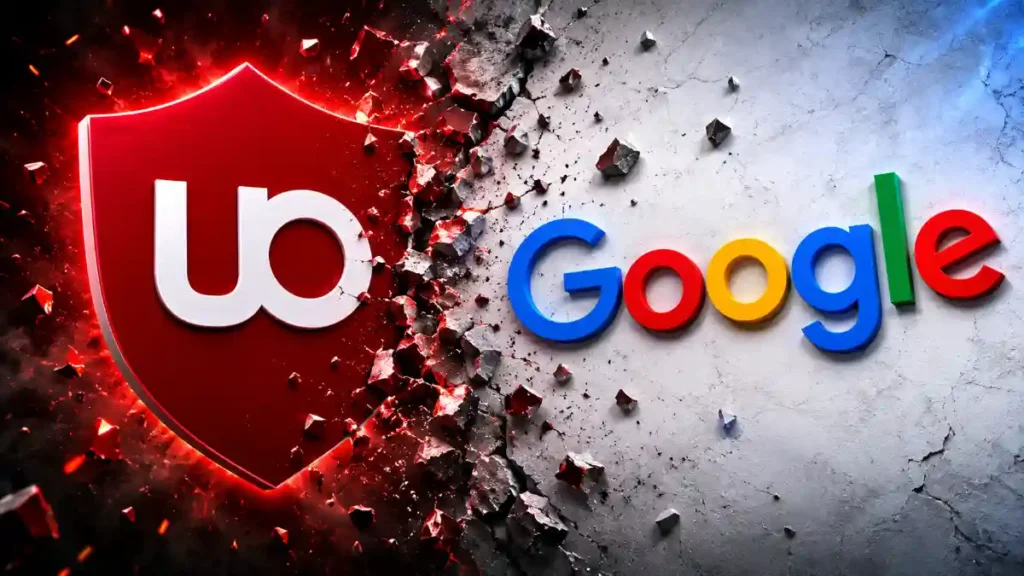
Google has removed the original uBlock Origin extension from the Chrome Web Store as Chrome completes its move away from Manifest V2. The change does not mean that uBlock Origin is gone forever, but it does mean Chrome users can no longer use the original full version on current Chrome releases.
Google is now using Manifest V3 for browser extensions. The company says this newer system is meant to improve browser security, privacy, and performance. However, Manifest V3 also changes how ad blockers and content-blocking extensions work. Because of these limits, the original uBlock Origin cannot work on modern Chrome in the same way as before. Chrome users can now use uBlock Origin Lite, while Firefox users can still use the full version of uBlock Origin.
Google officially removed all remaining Manifest V2 extensions from the Chrome Web Store on August 31, 2026. This includes the original uBlock Origin extension, which used the older Manifest V2 system.
The Chrome Web Store removal is the final stage of a long process. Google started moving away from Manifest V2 several years ago. Chrome began warning users about old extensions in 2024, then slowly disabled them in newer browser versions.
By the time Chrome 138 arrived in July 2025, Manifest V2 extensions were disabled for all normal Chrome users. Google then removed the last remaining Manifest V2 support from later Chrome versions. The August 31, 2026 deadline mainly removed the old extensions from the Chrome Web Store so users could no longer download or reinstall them through Google’s official extension store.
This means the original uBlock Origin is no longer a working option for most people using the latest version of Google Chrome.
What Is Manifest V2?
Manifest V2 was the older system Chrome used for browser extensions. A manifest is basically a set of instructions that tells Chrome what an extension can do and what permissions it needs.
Many popular extensions were built using Manifest V2. This included ad blockers, privacy tools, password managers, shopping extensions, and productivity add-ons.
The original uBlock Origin used Manifest V2 because it gave the extension strong control over web requests. It could check what a website was trying to load and block unwanted ads, trackers, scripts, pop-ups, and other page elements before they appeared.
This made uBlock Origin especially useful for people who wanted more control over their browsing experience.
Google says Manifest V3 improves the Chrome extension system by focusing on security, privacy, and browser performance. The newer system limits some extension behavior that could potentially use too many resources or access more browsing data than necessary.
Under Manifest V3, Chrome asks extensions to use a more controlled rule-based system. Instead of allowing an ad blocker to inspect every web request in real time, the browser uses pre-set rules to decide what to block.
Google calls this system declarativeNetRequest.
In simple words, Chrome now handles more of the filtering itself. The extension gives Chrome a list of rules, and Chrome applies those rules while loading websites.
Google increased the number of filtering rules available for Manifest V3 extensions after feedback from developers. Still, the system is different from Manifest V2, and it does not offer every feature that advanced blockers used before.
Why uBlock Origin Is Affected
The original uBlock Origin was built for Manifest V2. It used browser tools that gave it detailed control over network requests and page content.
That allowed it to offer useful features such as:
Strong ad and tracker blocking
Custom filter lists
Cosmetic filtering to hide empty ad spaces
Per-site controls
Advanced mode for experienced users
Dynamic filtering rules
A point-and-click firewall system
Personal blocking rules for specific websites
The full uBlock Origin extension was not only designed to block ads. It was also a content blocker that helped users control what scripts, trackers, frames, and other website resources could load.
Manifest V3 does not allow the same kind of flexible, real-time filtering model. Because of this, the original uBlock Origin cannot offer its full feature set on modern Chrome.
Is uBlock Origin Dead?
No, uBlock Origin is not dead.
The project still exists, and the original full version still works on browsers that support the needed extension features. Firefox is the main example for users who want the full uBlock Origin experience.
The important difference is that Chrome no longer supports the technology used by the original extension.
Version
Browser support
Main difference
Original uBlock Origin
Firefox and compatible browsers
Full feature set, including advanced filtering controls
uBlock Origin Lite
Chrome and other Manifest V3 browsers
Uses Chrome’s newer extension system with fewer advanced features
Original uBlock Origin on current Chrome
No longer supported
Chrome has ended Manifest V2 support
So, if you use Firefox, you can still install and use the original uBlock Origin. If you use Chrome, the best official replacement is uBlock Origin Lite.
Final Thoughts
Google removing uBlock Origin from the Chrome Web Store is a major change for users who relied on the full extension for ad blocking, privacy protection, and advanced website controls.
The original uBlock Origin is not shut down. It still works on supported browsers, including Firefox. But on current Chrome versions, Manifest V2 is no longer supported, so users must move to a Manifest V3-compatible extension such as uBlock Origin Lite.
uBlock Origin Lite can still block a lot of unwanted content and is a useful option for everyday Chrome browsing. But users who need advanced filters, dynamic rules, and full control over website connections may prefer Firefox with the original uBlock Origin.